
Descripción
Software for extracting members from Facebook groups and sending friend requests
✅ The software allows sending mass messages with attached images to all Facebook profiles.
Software to extract members from Facebook groups and send friend requests: an advanced and unique professional software to extract member data from Facebook groups in a very fast way. This software extracts the data shown below and now you can also send friend requests to all profiles.
and now also supports sending messages to all profiles.
-
-
- Member's name
- Member ID
- Link to Facebook profile
- Profile biographical information
- Profile images
- Group ID
- Date of joining the group
- The software will extract all members of the Facebook group.
- The software extracts data securely to prevent Facebook from blocking you.
- The software extracts 100 data in 1 second.
- Real-time 100% extraction of group member information with advanced export to Excel, CSV and text format.
-
The software now allows you to send friend requests to all profiles.
The software now allows you to send messages with pictures attached to all profiles.
Starting
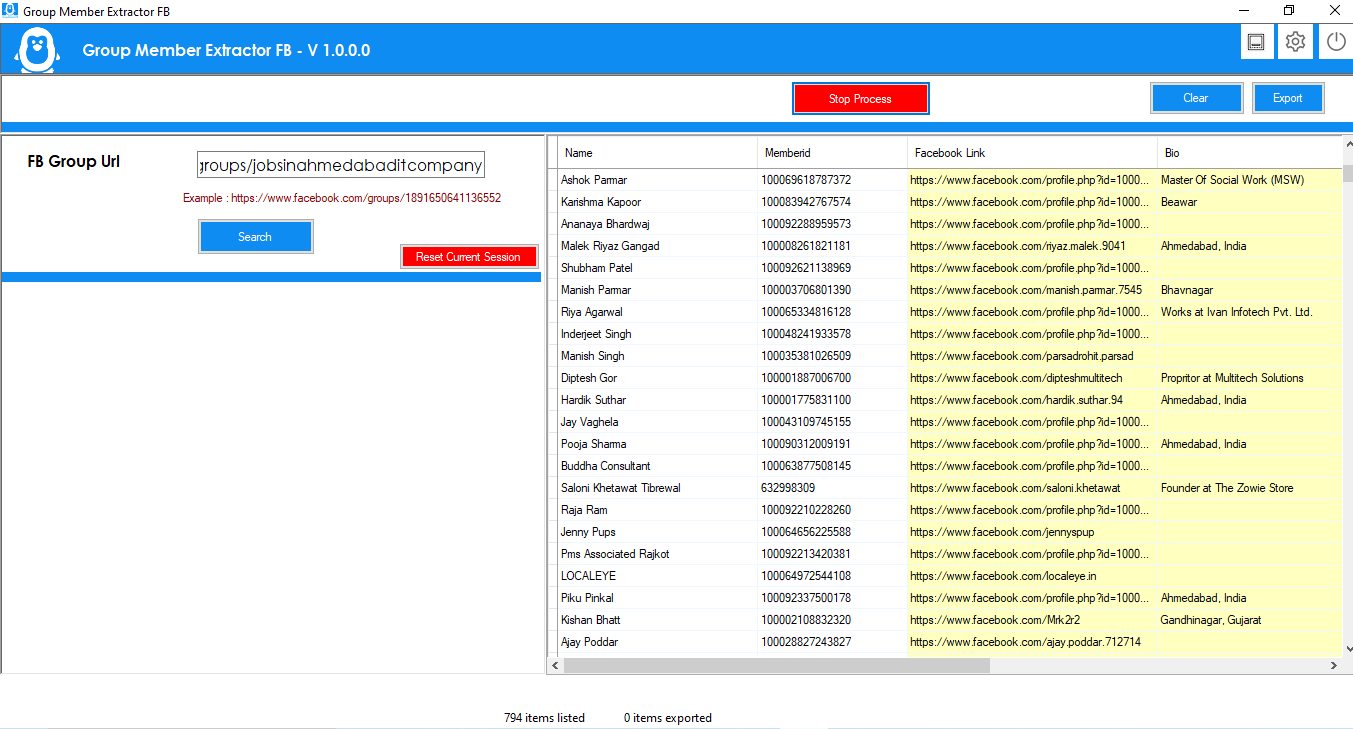
After registering the licence, start the software. The software will be displayed on the following screen.
-
- Now enter the URL of your Facebook group, as shown below.
https://www.Facebook.com/groups/1891650641136552
-
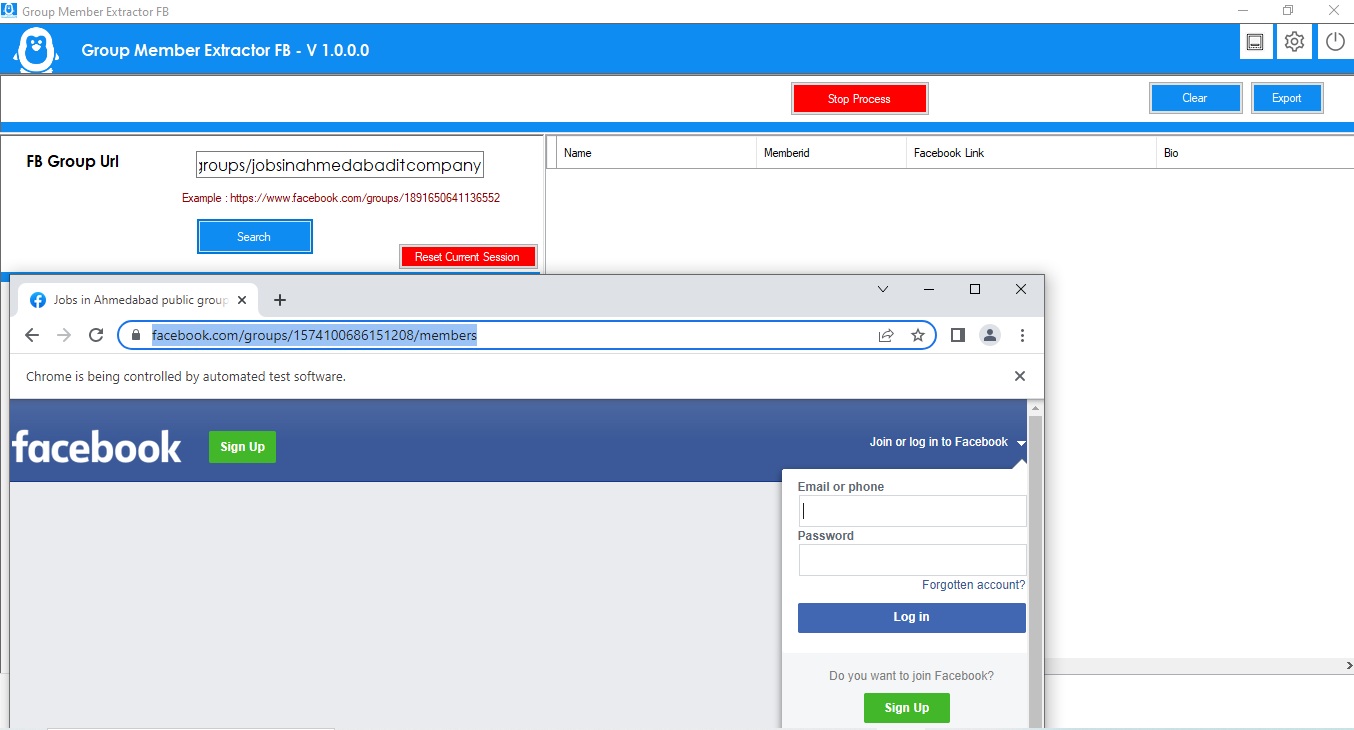
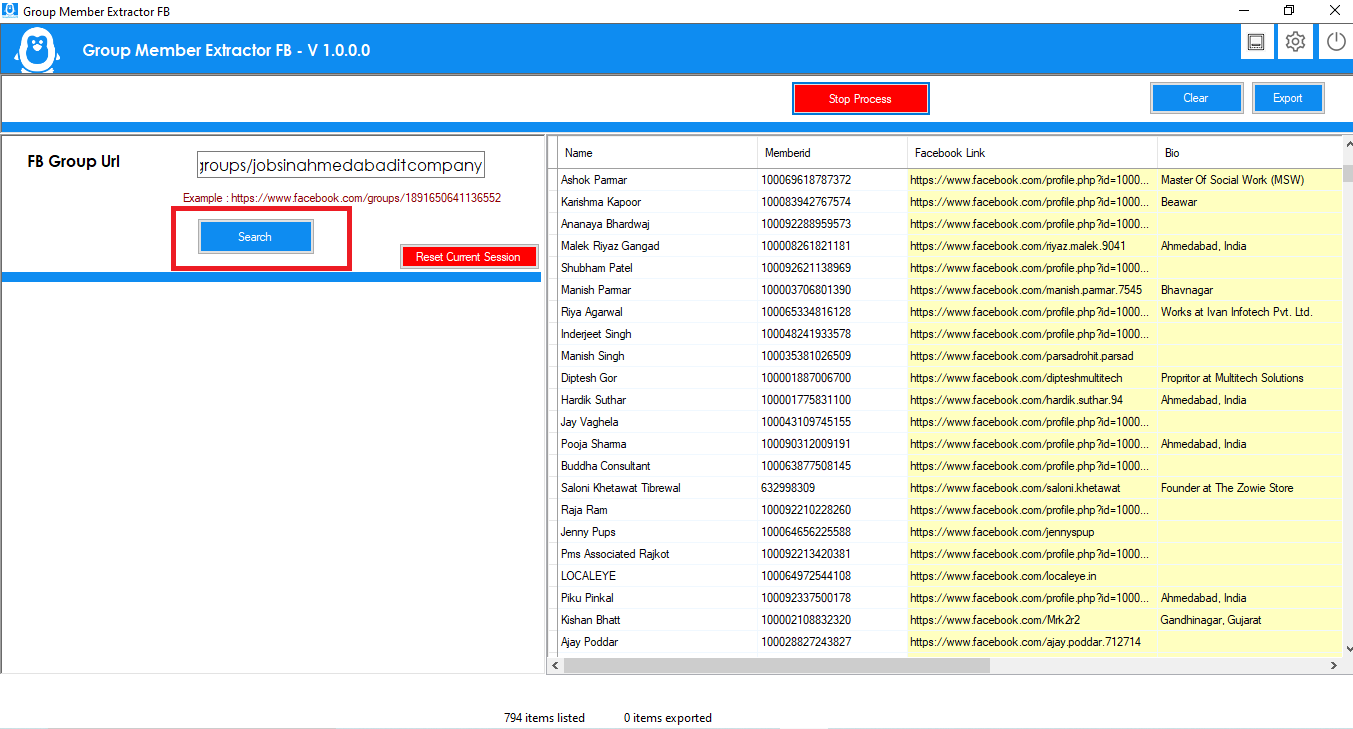
- Click on the Search button. The software will ask you to log in with your Facebook credentials.
This software will not store any data on our server, except for the license information. This is the browser functionality for logging into Facebook.
-
- The software will automatically search for all members of Facebook groups and extract all information.
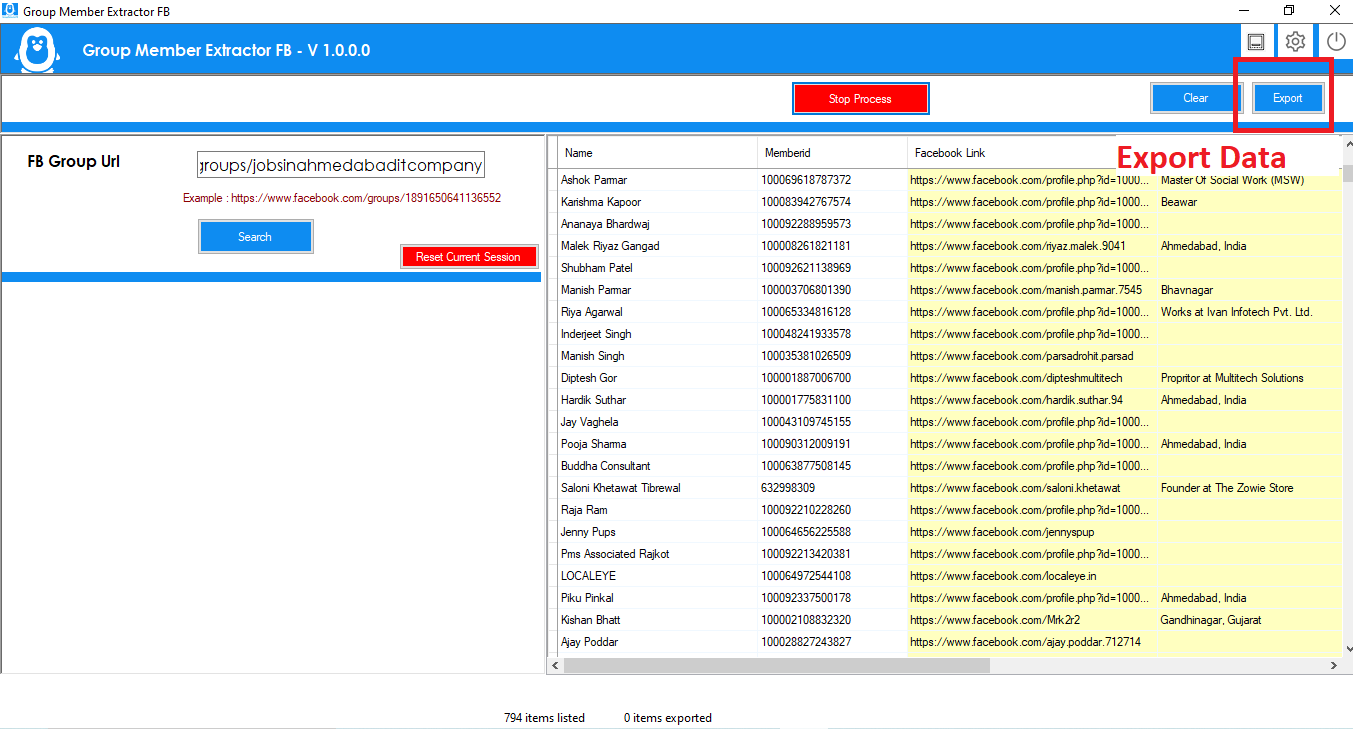
- You can export all details in multiple formats: Excel, CSV and text format.
- Click on the Settings icon in the top bar.
 Here you can configure the VPN. You can also change the data export format to Excel, CSV or text format. The software supports several languages. You can change it to the desired language.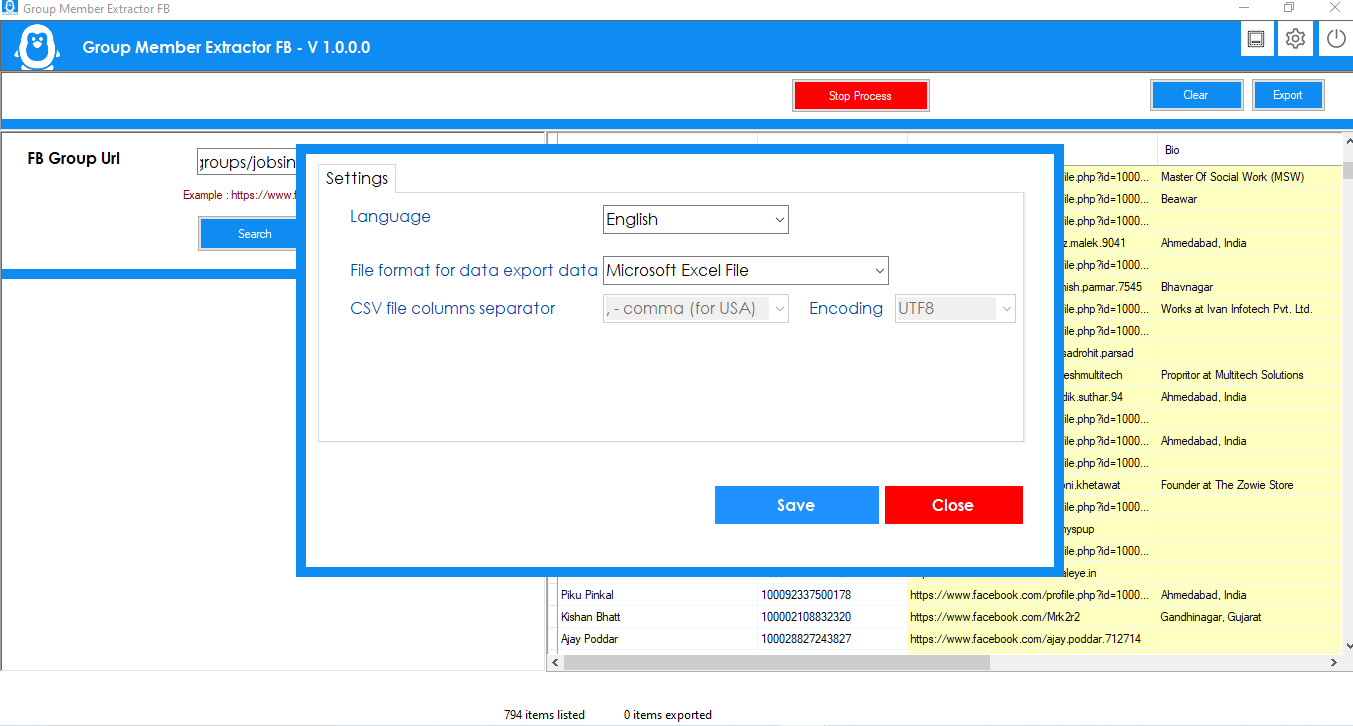


Reviews
There are no reviews yet.